Update
Play DMG-MU on Android with your PC character
Pick up your PC character on your phone or tablet. Here is how to install the preview, enter the world and use the touch controls.
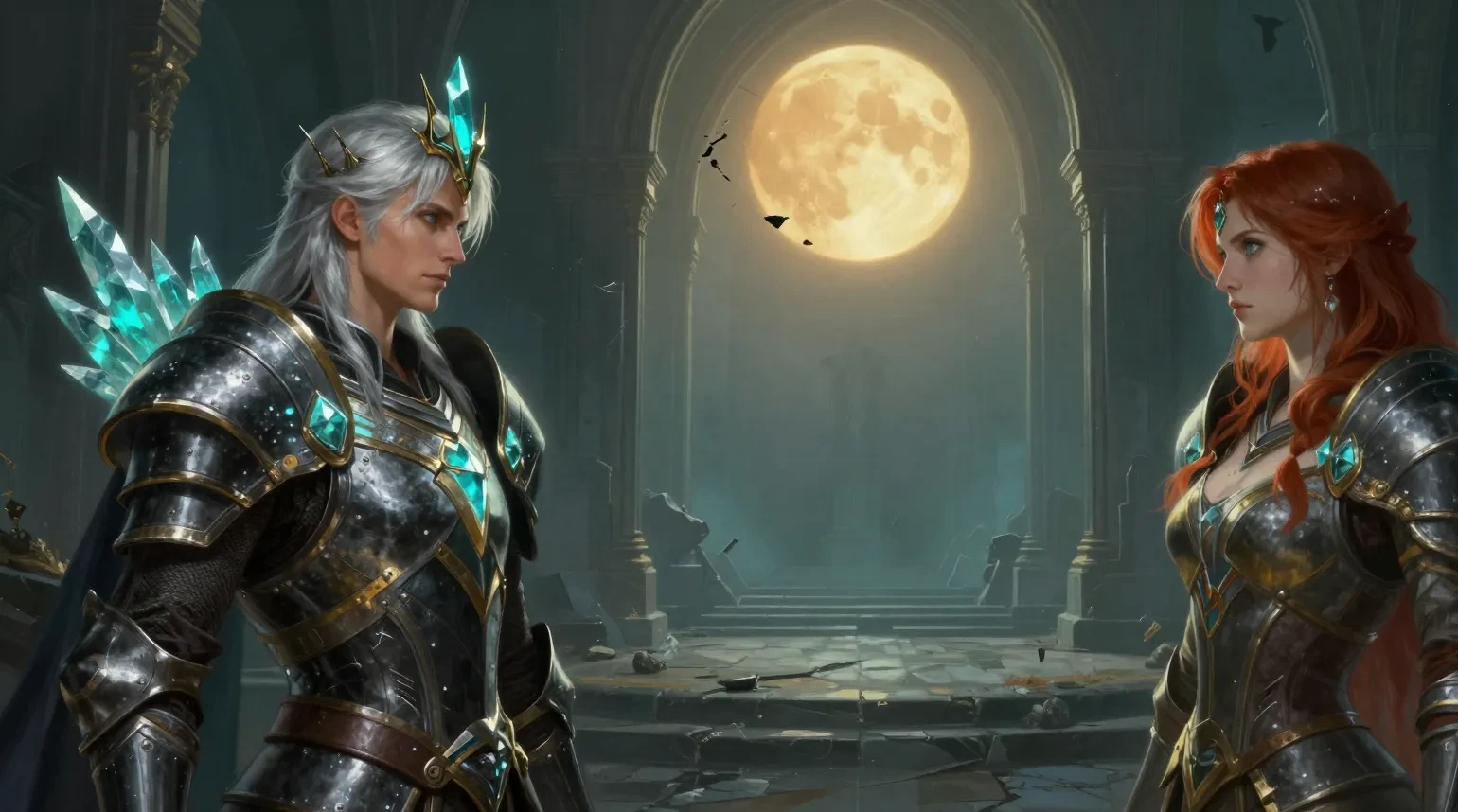
Your account, character, equipment and progress carry over between Windows and Android. Log out on one device before opening the same account on the other.
Install the Android preview
Download the DMG-MU APK on your Android phone or tablet. Open the file and follow the Android installer. On first launch, stay on Wi-Fi while the game downloads and verifies its world files. Keep the app installed when updating so your downloaded files can be reused.
From character selection to combat
Sign in with your DMG-MU account, tap Characters and choose your character. In the world, use the left thumb control to move. The right-hand controls let you choose a target, attack or cast. Hold the skill button to pick a different learned skill. Open Tools for travel and MU Helper.
Music and combat sounds in 0.4.12
The first launch after this update downloads a separate 320 MB audio pack. An existing world download can be reused. You can adjust the music and sound-effect levels in the game options.
Updates and feedback
Use the in-app updater for new preview builds. If you report an issue, include your phone model, Android version, map and what you tapped so we can reproduce it.